Fill PDF Forms from Excel in Bulk
Upload one PDF form, template or scan and one Excel or CSV file. Place spreadsheet fields onto the PDF with drag and drop, then generate one completed PDF per row.
- Fill PDF forms with Excel data without manual copy-paste
- Works with fillable forms, normal PDF templates and scans
- Start without signup and test 5 pages for free
No signup required · Pay only when you generate PDFs · Files deleted after merging
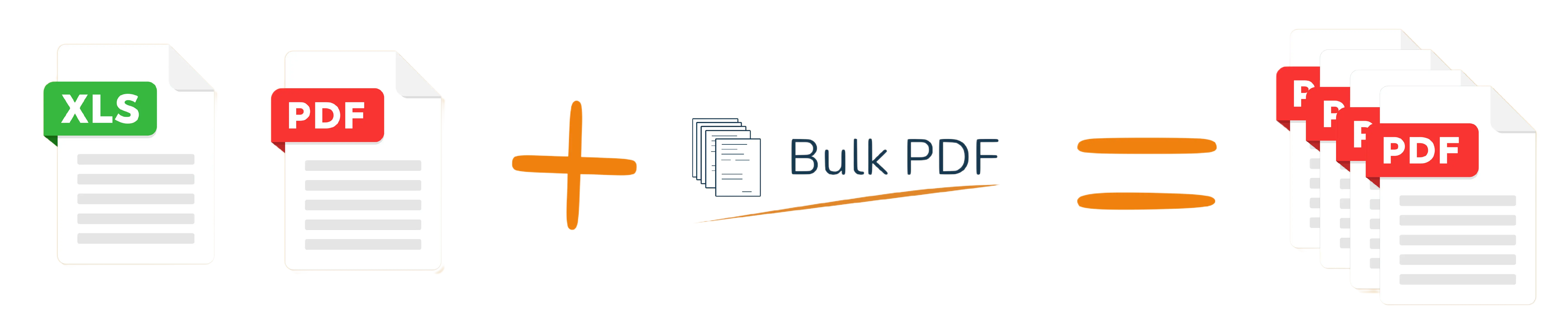
One spreadsheet row becomes one completed PDF.
Start immediately
Use your existing data
All PDFs in one file
After processing
How to Fill PDF Forms from Excel
Turn a spreadsheet into completed PDF forms in four simple steps.
1. Upload PDF
Use a fillable PDF form, a normal PDF template or a scanned PDF that should receive names, dates, addresses, IDs or any other data.
2. Upload Excel
Upload an Excel or CSV file where each row represents one person, customer or record.
3. Map fields
Drag and drop spreadsheet columns onto the right positions or fields in your PDF template once.
4. Download ZIP
Generate one completed PDF per row and download all files together.
Example: one Excel row becomes one PDF
Use your existing spreadsheet. Bulk PDF reads each row and inserts the values into your PDF form fields.
| first_name | last_name | date | customer_id |
|---|---|---|---|
| Anna | Miller | 2026-06-10 | C-001 |
| James | Wilson | 2026-06-10 | C-002 |
| Sophia | Brown | 2026-06-10 | C-003 |
Tip: Use clear column names in Excel. This makes mapping faster and helps avoid mistakes.
Completed PDF preview
First name: Anna
Last name: Miller
Date: 2026-06-10
Customer ID: C-001
The next Excel row creates the next completed PDF automatically.
What can you generate from Excel?
Bulk PDF works for any workflow where the same PDF form must be filled with many spreadsheet rows.
Certificates
Create training certificates, course completion documents and student certificates from Excel.
HR & onboarding forms
Fill employee forms, onboarding packets and internal documents from HR spreadsheets.
Invoices & order forms
Generate customer-specific forms, order confirmations or invoice-like PDF documents.
Real estate forms
Fill tenant, property, inspection or contract-related forms using spreadsheet data.
Education forms
Generate student information forms, registration forms and class documents in bulk.
Applications & admin forms
Automate repetitive office paperwork instead of copying data into PDFs manually.
Real-world examples for filling PDFs from Excel
These are typical spreadsheet-to-PDF workflows where the PDF stays the same and the values change per row.
Course certificates
Use columns like participant_name, course_name, completion_date and instructor to generate one certificate per attendee.
Customer order forms
Fill customer_name, order_id, delivery_address, item_sku and amount into a recurring order confirmation PDF.
Rental or tenant forms
Use tenant_name, unit_number, move_in_date and property_manager to prepare handover or admin forms.
School and training forms
Turn student_id, class, guardian_name and emergency_contact columns into completed education PDFs.
A lightweight PDF mail merge alternative
Bulk PDF is built for one clear job: place Excel data onto PDFs quickly. No complex setup, no account required and no manual editing of individual PDFs.
Use it when you already have a PDF template and a spreadsheet, and you want completed PDFs without building a custom script or editing every document manually.
| Bulk PDF | Manual workflows |
|---|---|
| No signup needed to start | Often account-first or setup-heavy |
| Map fields once | Repeat the same copy-paste steps |
| One PDF per row | One document at a time |
| ZIP download | Save files manually |
Designed for quick, private document processing
Your PDF and spreadsheet are only needed for the merge. After processing, uploaded files are deleted.
- Uploaded files are deleted after merging
- No account required for a quick test
- Useful for sensitive administrative workflows

Simple pricing for one-time and business use
Test your workflow for free. Pay only when you generate completed PDFs.
Free test
$0
Try 5 pages for free and check whether your PDF template works with your Excel data.
Start freePay as you go
$0.10
Per generated PDF after your free test. Good for one-time batches and occasional work.
Generate PDFsRelated PDF workflows
FAQ: filling PDF forms from Excel
Upload your PDF form, template or scan and your Excel or CSV file. Then drag and drop spreadsheet columns onto the PDF. Bulk PDF generates one completed PDF for each row in your spreadsheet.
Yes. Each row becomes one completed PDF. After generating the files, you can download all PDFs together as a ZIP file.
No. You can use a fillable PDF, a normal PDF template or a scanned PDF. If the PDF has no fields, you can still place Excel columns onto the document manually with drag and drop.
Yes. If your spreadsheet has many rows, Bulk PDF can generate one completed PDF for each row in the same batch.
No. Your uploaded PDF and Excel files are processed for the merge and deleted after merging. Bulk PDF does not keep or store your uploaded files.
No. You can start with a free test without creating an account.
Ready to fill your PDF forms from Excel?
Start free — no signup requiredUpload your PDF template and spreadsheet. Place the fields with drag and drop and generate your first test PDFs in minutes.