Generate Training Certificates from Excel — in Bulk
Upload your certificate PDF template once, connect your Excel or CSV data and generate a personalized certificate for every participant in minutes.
- Create certificates for an entire class in one run
- No manual copy-paste or editing in each PDF
- Ideal for academies, corporate training and online courses
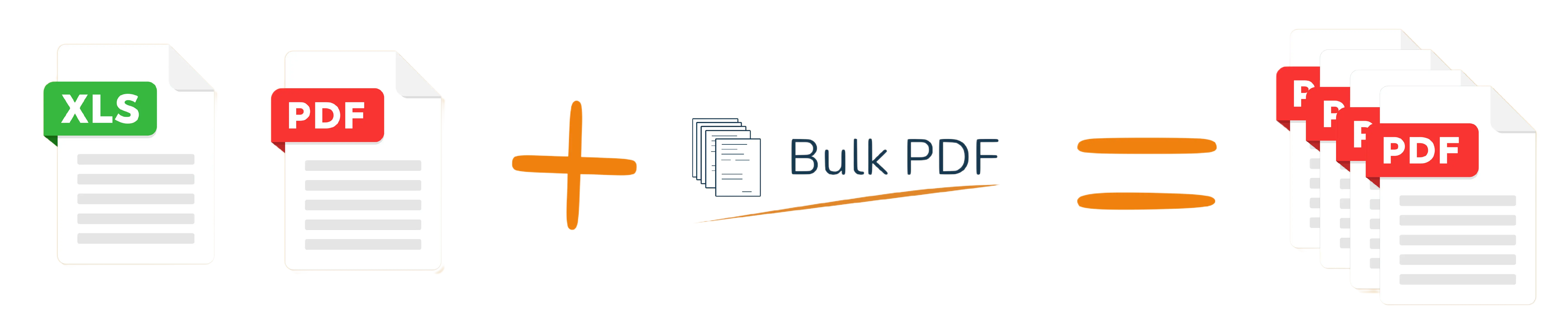
How to Generate Training Certificates from Excel
Turn your participant list into beautiful certificates in four simple steps.
- Upload your certificate PDF template Use your existing design or start from our ready-made certificate template.
- Upload your Excel or CSV file One row per participant, with columns like name, course, date, score, instructor.
- Map Excel columns to certificate fields Drag & drop each column onto the correct field in your PDF.
- Generate and download all certificates Bulk PDF creates an individual PDF for each participant and lets you download them as a ZIP file.
Who is this training certificate template for?
Any organization issuing certificates on a regular basis can save hours each week.
- Training centers and academies
- Language schools and e-learning providers
- Corporate HR and internal training programs
- Certification bodies and associations

Ready-made template & sample files
Start faster by using our example certificate template and demo Excel file. Replace the content with your own data and see the full workflow in minutes.
Tip: keep column names simple (e.g. name, course, date) so mapping is straightforward.
FAQ about training certificate automation
Yes. You can upload any PDF certificate design as long as it has fillable fields or areas where text can be placed. If you don't have a template yet, start with our ready-made certificate PDF and customize it.
There is no hard limit on the number of rows in your Excel or CSV file. You can generate certificates for a handful of participants or for entire cohorts with hundreds of students in one batch.
Absolutely. Many e-learning providers export their student or completion data as CSV/Excel from their LMS and then use Bulk PDF to generate branded certificates in bulk, ready to distribute digitally.
Ready to automate your training certificates?
Start with this template – no signup required