Generate Property Management Forms from Excel — in Bulk
Turn your property spreadsheets into standardized PDF forms for every unit and tenant. Automate renewals, checklists and records in minutes.
- Create one PDF per unit or tenant directly from Excel
- No manual editing of repetitive property forms
- Ideal for landlords, property managers and real estate companies
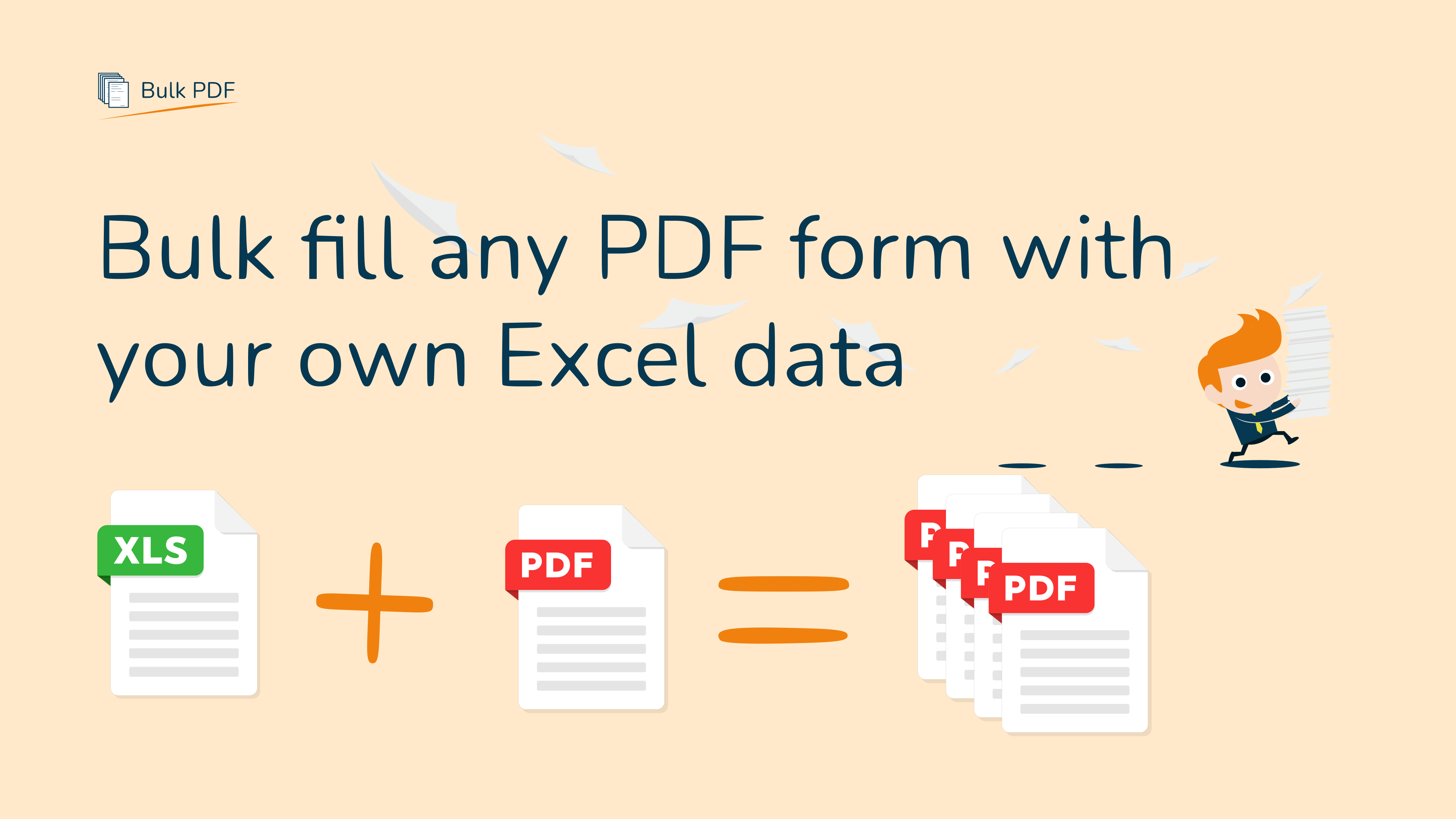
How to Generate Property Management Forms from Excel
Use one spreadsheet to create a separate PDF form for every unit or tenant.
- Upload your property management PDF template
Use our ready-made Property Management Form or upload your own document. - Upload your Excel or CSV file
One row per unit or tenant, with columns like property_address, unit, tenant_name, lease_start, lease_end, monthly_rent. - Map Excel columns to PDF fields with drag & drop
Connect each column to the correct line or field in your PDF. - Generate and download all forms at once
Bulk PDF creates an individual PDF per row and lets you download them as a ZIP file.
Who is this property management template for?
Any professional managing multiple units, tenants or buildings can save hours each week.
- Property management companies
- Landlords with multiple units
- Real estate agencies managing rentals
- Student housing and co-living operators

Ready-made property management template & sample files
Start faster with our example Property Management Form and a demo Excel file. Replace the content with your own units and tenants and see the workflow end-to-end.
Tip: keep column names simple (e.g. property_address, tenant_name, lease_start, monthly_rent) so mapping is straightforward.
FAQ about property management document automation
Yes. Upload any PDF you currently use for property management, such as a unit record form or tenant information form. You can then map your Excel columns to the lines or fields on that PDF and generate one document per row.
There is no fixed limit on the number of rows in your spreadsheet. Bulk PDF is designed to handle anything from a handful of units up to large portfolios with hundreds or thousands of entries in one batch.
Yes. Once you have mapped your columns to the PDF once, you can reuse that template with updated Excel files. This is ideal for recurring reports, lease renewals, or monthly property overviews.
Ready to automate your property management paperwork?
Start with this template – no signup required